
In SportSmart, you can assign players to specific teams within your organisation. This makes it easier to filter injury reports later on, allowing you to quickly identify which players from each team are currently injured.
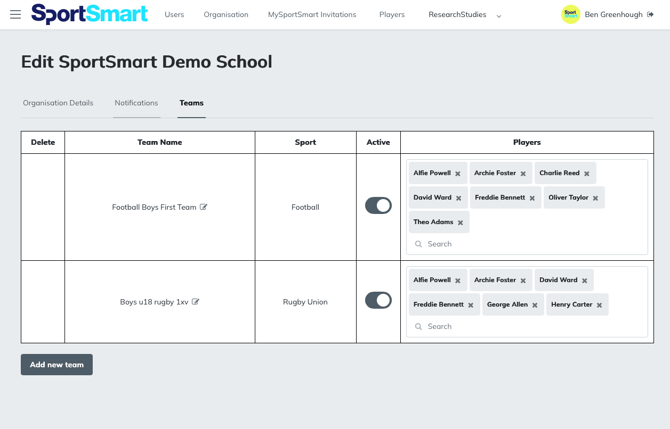
How to add players to teams:
- Access the organisation admin section
- Click on the organisation tab
- Click on 'teams'
- Click 'Add new teams'. Add team name, sport, and select from your list of players.
Note: to use this feature, you must insert your organisation sports in the 'organisation' tab, and imported your players.
Learn how to filter injury reports based on teams, here.